
How to Plan a Custom Watershed Map or Model
A physical watershed map should make the relationship between landform, drainage, and the selected outlet easy to understand. The strongest briefs start with a defined basin or catchment, then set the map extent, model size, terrain treatment, waterways, labels, and display format around the people who will use it.
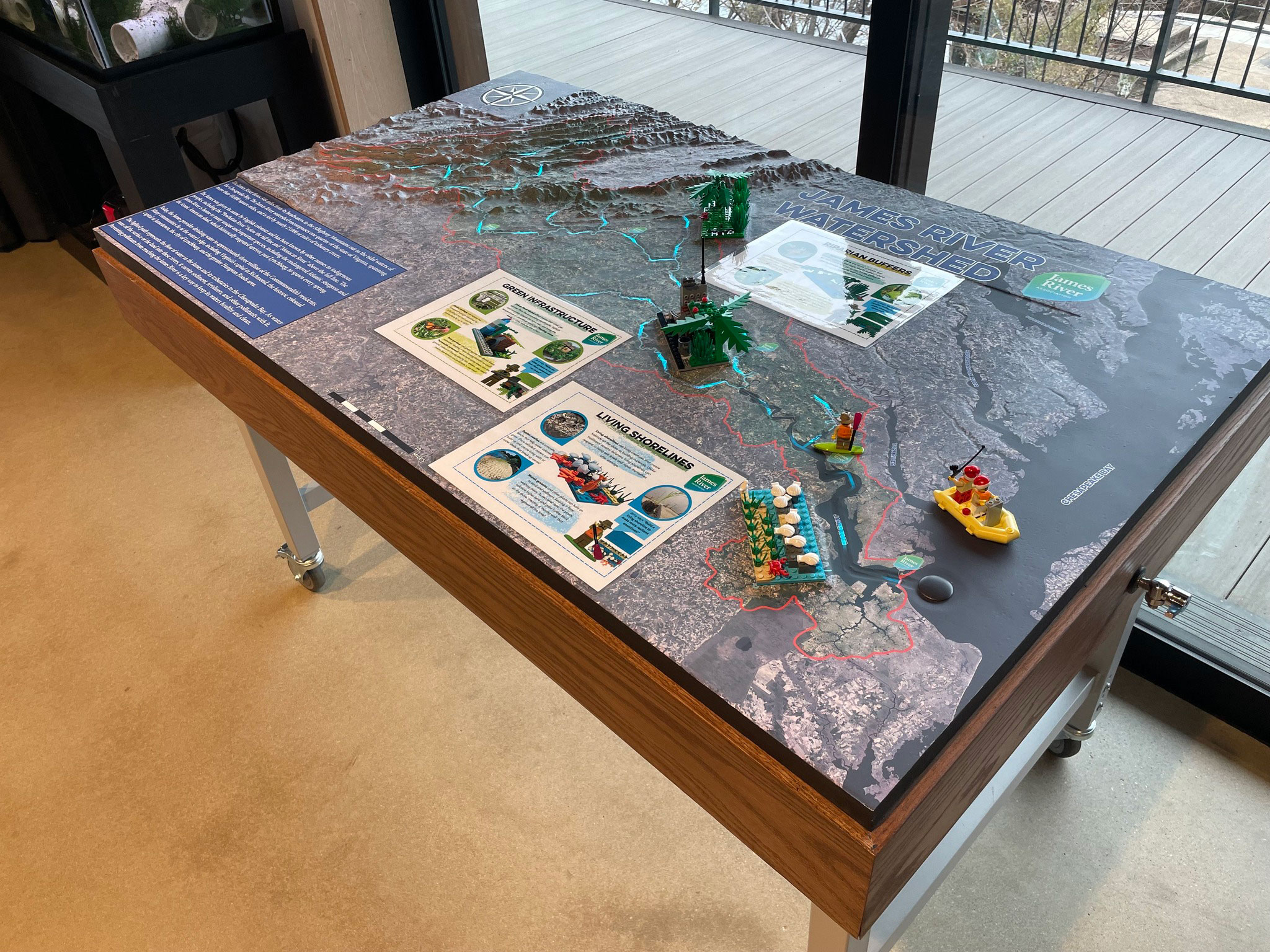
Define the watershed boundary first
A watershed is the area of land that drains to a common outlet. Ridges and other high points form drainage divides between neighboring watersheds, so the boundary you choose determines which terrain and waterways belong in the model. State the outlet, basin name, hydrologic unit, or GIS boundary at the beginning of the project brief.
The separate watershed map definition explains the terminology. This planning guide is about turning a selected area into a physical display that can be sized, labeled, and used.
Choose the geographic extent and scale
Decide whether the model should show a small tributary basin, a river reach, a connected network, or a broader regional watershed. The geographic extent affects the amount of terrain detail that can remain legible and the physical dimensions needed for labels, waterways, and overlays. Define the north arrow, orientation, units, and intended scale before the surface is designed.
Choose source elevation and hydrography data
A useful starting package may include a watershed boundary, elevation data, hydrography, aerial or satellite reference, and a list of features that must be named. USGS 3DEP provides elevation products including lidar point clouds and digital elevation models, while project-specific GIS or survey data may be more appropriate for a smaller site. The available source data and its resolution should be discussed before promising a level of detail.
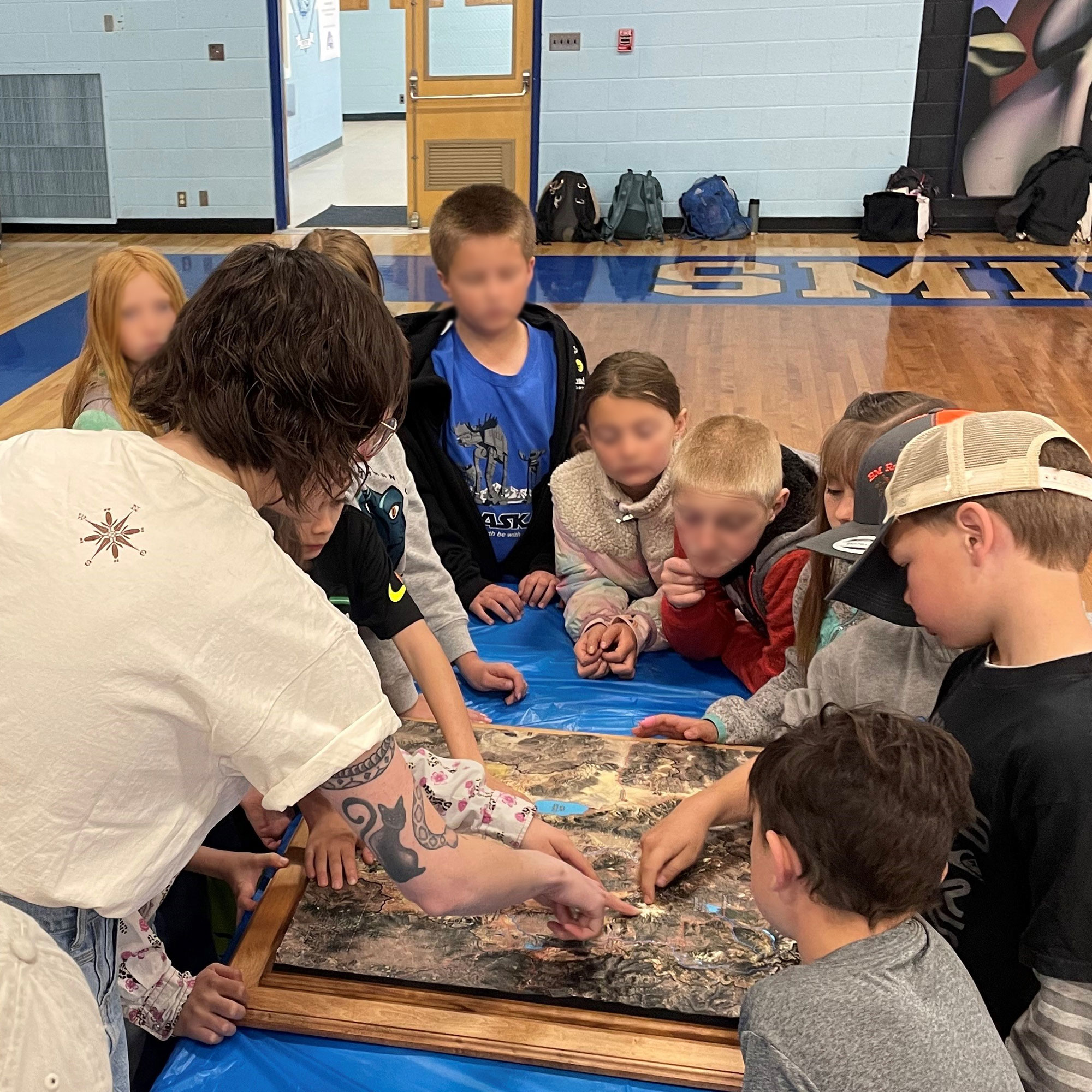
Set the relief, waterways, and overlays
Decide how strongly the terrain should be exaggerated so ridges, valleys, channels, and tributaries can be read from the intended distance. Add only the overlays that help the audience understand the watershed: stream hierarchy, monitoring points, land-use areas, roads, communities, boundaries, or interpretive markers. Waterways and labels should support the relief instead of covering it.
Plan labels and color as an information system
Write a short priority list for labels and colors. Major rivers, tributaries, ridgelines, communities, protected areas, and the outlet may need different visual weights. If many names are required, decide whether the map will use printed labels, removable markers, a companion key, or an interactive layer. The physical size and viewing distance should guide the final type scale.
Fit the model to the display setting
A tabletop model, wall display, pedestal model, or enclosed exhibit each creates a different viewing experience. Record the available footprint, walking clearance, mounting or support approach, lighting, protective cover, access route, and whether the display will move. A visitor-center model may prioritize approach from several sides, while a classroom display may prioritize a closer top-down view.
What to include in a watershed model brief
- Named watershed, outlet, boundary file, or map extent
- Elevation, hydrography, contour, imagery, and other source data available
- Overall dimensions, orientation, scale, and primary viewing distance
- Rivers, tributaries, drainage divides, labels, roads, communities, or overlays to show
- Relief emphasis, color direction, legend, markers, lighting, or interactive elements
- Tabletop, wall, pedestal, exhibit, or outdoor display context
- Delivery route, access constraints, schedule, and the people responsible for content approval
Use a physical watershed model to explain a place
A well-scoped model can support classroom instruction, visitor interpretation, conservation outreach, planning conversations, or a public exhibit. Browse the 3D topographical model gallery to compare relief, labels, display formats, and interpretive detail before requesting a project discussion.
Request a custom watershed map estimate
Share the basin boundary, outlet, source data, desired dimensions, display setting, viewing distance, feature list, and schedule through the custom topographical models service. Those inputs give the design conversation a useful starting point.
Related watershed map resources
Browse custom topographical models and watershed map examples while you plan basin extent, terrain, waterways, labels, and display.
Custom 3D Map Quote
Share the size, placement, finish, timing, and reference files available for your project.