
What Is a Physical Map? Choosing Flat or 3D Terrain
Physical map can mean two related but different things. In general geography, it usually means a map that emphasizes natural features such as mountains, rivers, coastlines, and other landforms. In a fabrication brief, it can also mean a physical three-dimensional terrain model that lets people read those features by touch and from an angle. Decide which meaning your audience needs before choosing a format.
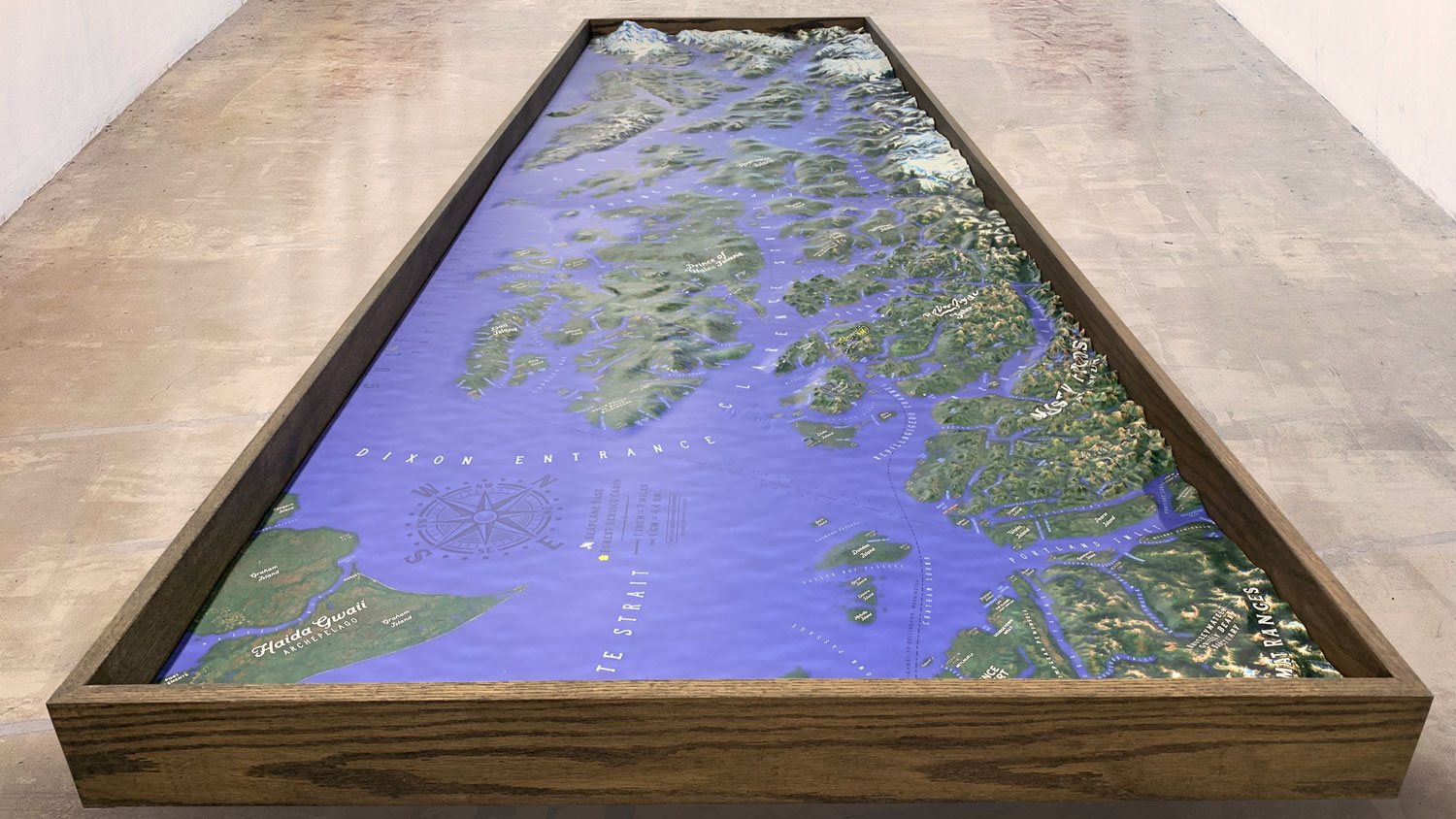
What a physical map shows
A physical map prioritizes the shape and character of a place rather than only political boundaries or route information. Relief, water, mountain ranges, valleys, coastlines, and major geographic features may be shown with color, shading, contours, labels, or a combination of techniques. The geographic area and intended audience determine how much context belongs around the main subject.
Flat map or physical 3D model?
A flat printed map is efficient when the project needs a broad area, dense labels, satellite or graphic imagery, or easy replacement of information layers. A raised-relief model is useful when elevation and spatial relationships need to be understood quickly in a room, exhibit, classroom, lobby, or visitor setting. A custom display can combine raised terrain with printed graphics so the audience gets both a readable map and a tangible sense of landform.
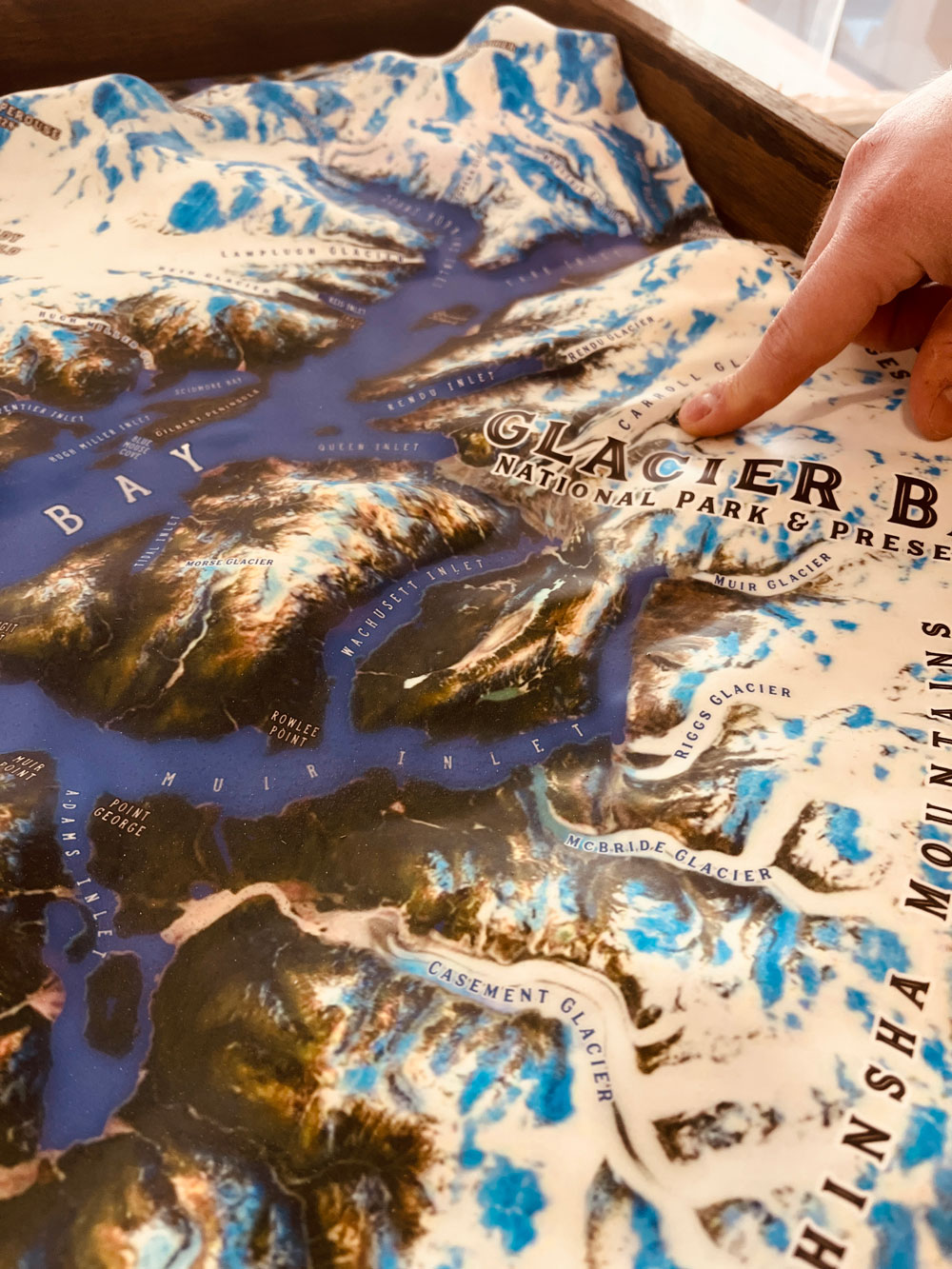
Set the geographic extent and scale
Start with a boundary file, named region, property, park, watershed, coastline, or other clearly defined extent. Then choose the physical width, height, orientation, and primary viewing distance. A larger region may need fewer labels and a quieter visual hierarchy. A smaller area may support more roads, buildings, trails, landmarks, and local annotation without overwhelming the terrain.
Choose elevation, water, and reference data
Identify the elevation source, contours, survey information, imagery, hydrography, and other reference layers available for the selected area. USGS topographic mapping uses elevation contours to represent the shape of the land, while a custom physical model may translate elevation into a continuous surface. Share the source files and the features that must remain recognizable before deciding how much relief or graphic detail to include.
Plan labels and visual hierarchy
- Which landforms, waterways, boundaries, places, routes, or landmarks must be named
- Whether labels should be printed on the surface, placed in a key, or added with markers
- How color, shading, contours, imagery, and relief should work together
- Whether the display needs a north arrow, scale reference, legend, or orientation guide
Match the display to the audience
A tabletop model invites close viewing from above. A wall or pedestal display needs labels and relief that read from standing distance. An exhibit or visitor-center piece may be approached from several sides, while a presentation model may be optimized for one primary view. Measure the footprint, approach space, viewing height, lighting, transport route, and storage area before the design is finalized.
When a 3D physical model adds value
Choose a raised model when the audience needs to understand elevation, orientation, landform relationships, or the shape of a place without interpreting a flat graphic first. It can support education, interpretation, planning conversations, conservation outreach, destination presentation, and branded environments. The right result depends on the data, scale, relief emphasis, and viewing context rather than on adding detail everywhere.
Plan the next conversation
Share the area, source data, approximate dimensions, intended audience, display setting, important labels, and schedule through the custom topographical models service. Browse the 3D topographical model gallery to compare physical relief, labels, bases, and display formats.
Related physical-map resources
Compare custom topographical models and map displays while you plan extent, relief, labels, scale, and viewing distance.
Custom 3D Map Quote
Share the size, placement, finish, timing, and reference files available for your project.