
Custom Giant Computer Keyboard Props
WhiteClouds can fabricate oversized computer keyboard props for technology events, product demonstrations, and gaming environments. Educational exhibits can use the same object around a defined lesson or activity. Key size, layout, and case shape establish the physical direction; colors, legends, and graphics establish the appearance. A display-only keyboard has a different scope from one with keys that light up, trigger sound, or send an input, so the first planning decision is what people should be able to do.
Discuss Your Project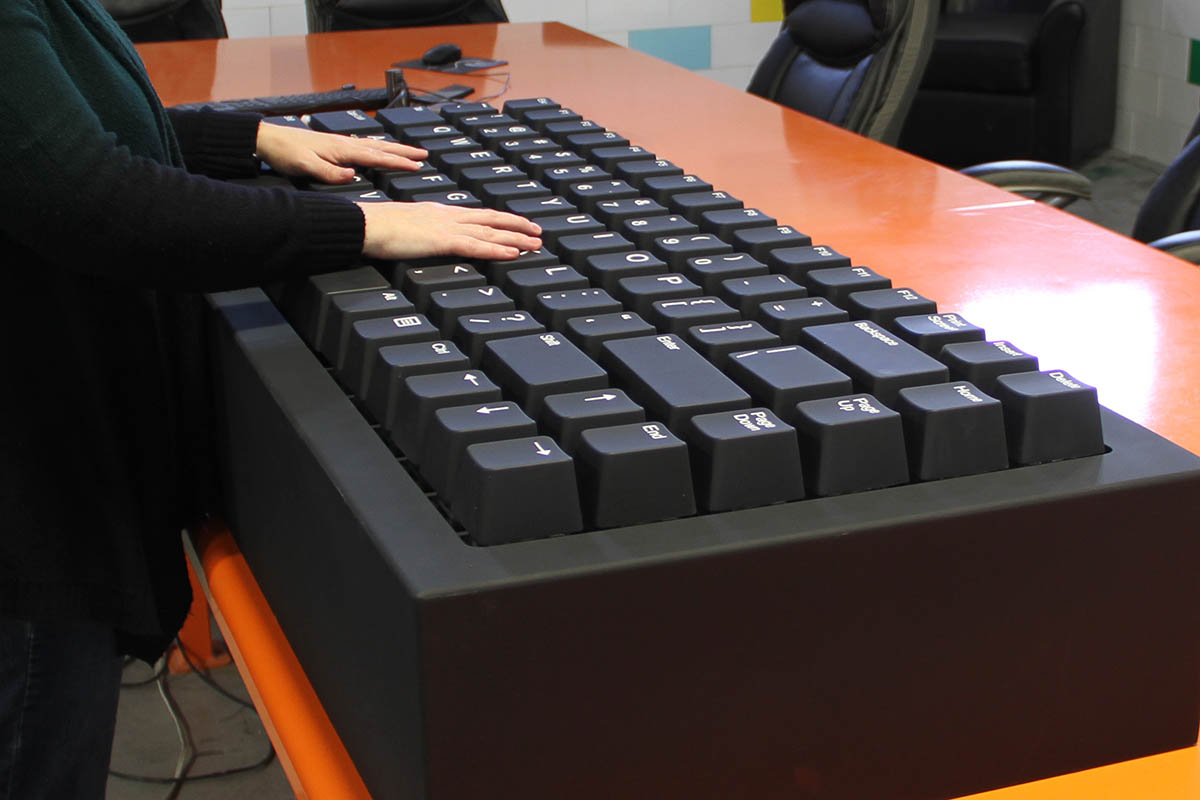
Uses for a Giant Keyboard
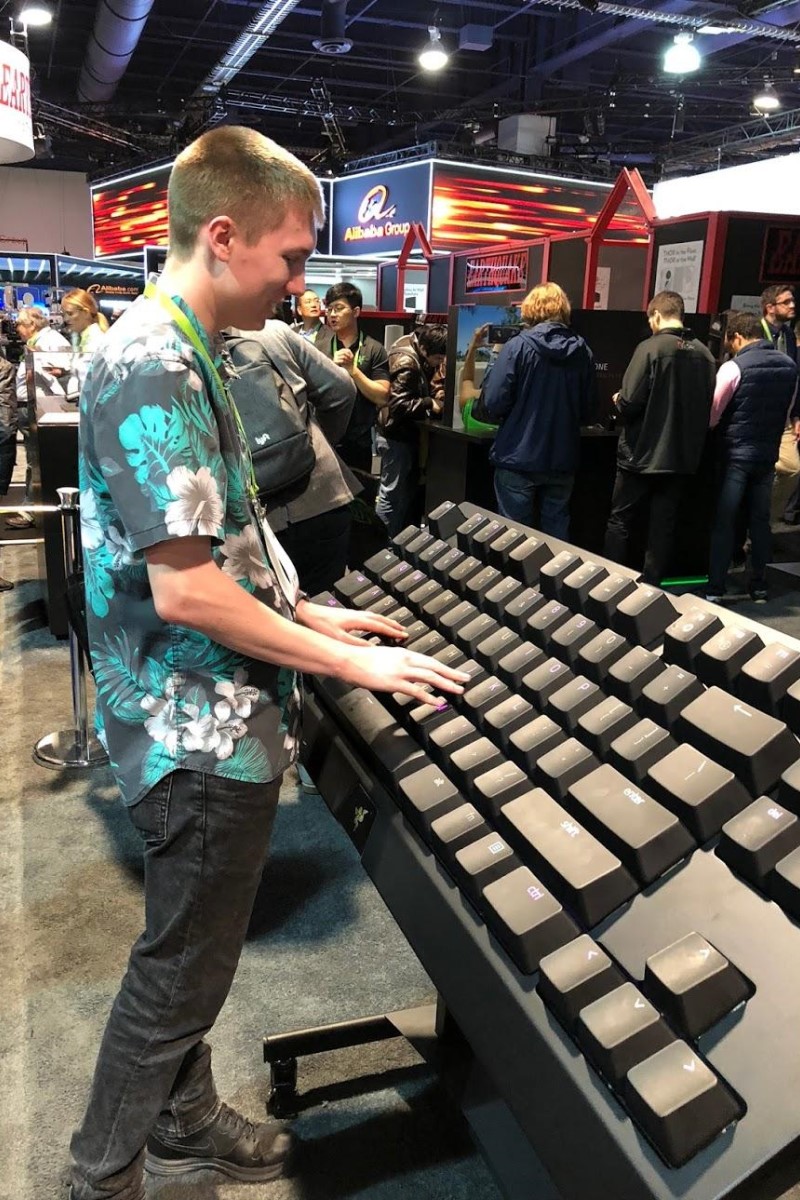
A technology trade show may need a large keyboard beside a product demonstration. A gaming environment may use selected keys as controls or scenic elements. An educational exhibit may enlarge the layout so visitors can compare key groups or follow a defined activity. Each use calls for a different balance of accuracy, durability, electronics, and audience access.
The keyboard can also be built as a display-only prop for a stage or camera-facing set. In that case, the brief can concentrate on overall proportion, case shape, key spacing, legends, colors, and the primary viewing angle instead of live input behavior.
Display-Only or Functional Elements
Display-only keys may be fixed in place. If a project needs active elements, the brief should identify which keys move, what detects the action, and what happens next. A key might illuminate, trigger a sound, or send a defined input to another system. Those are separate technical scopes and should not be implied by the appearance of the prop.
Audience contact also changes the project. State whether people will stand beside the keyboard, reach across it, press selected keys, or step onto a designed surface. Power, controls, supervision, testing, and venue requirements can then be reviewed for the actual behavior.
Custom Keyboard Options
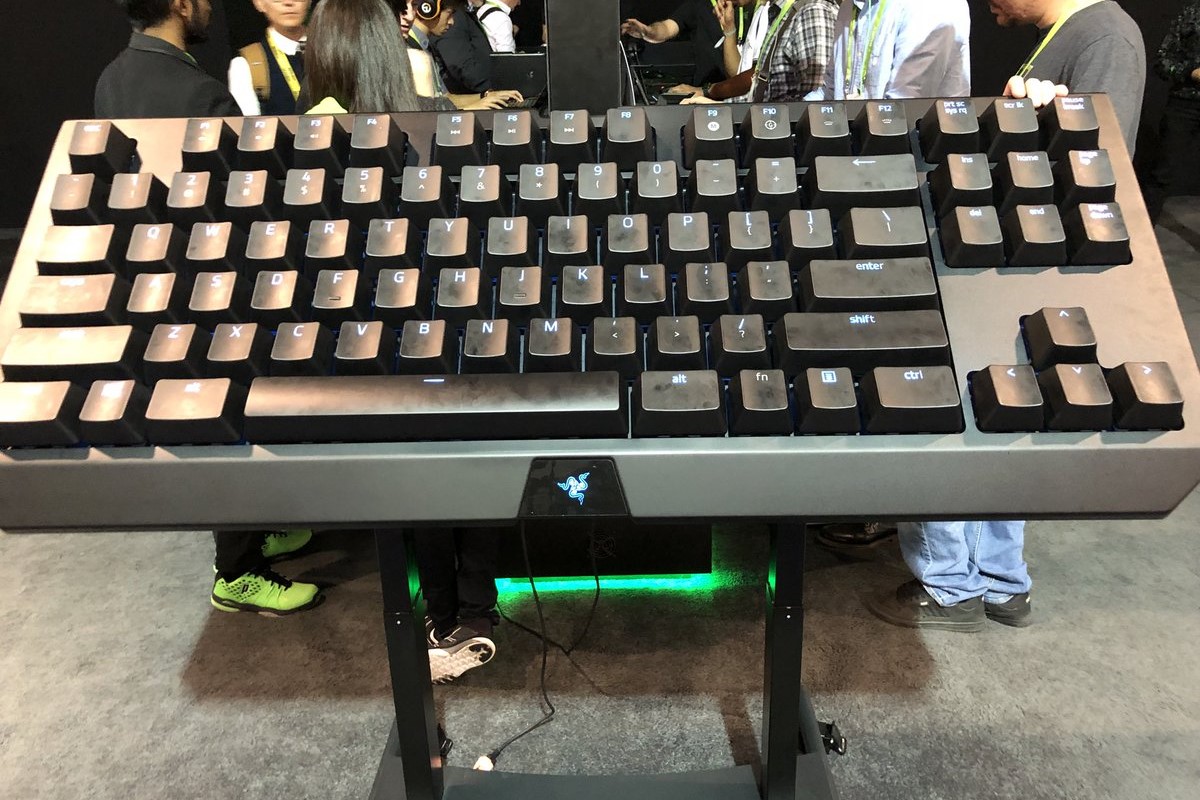
A specific product replica should begin with approved photographs, drawings, or a physical sample. WhiteClouds can reproduce the case proportions, key arrangement, legends, colors, and supplied brand artwork at the selected scale. A generic keyboard can simplify the layout or enlarge particular keys when exact product fidelity is not required.
Lighting may be limited to a few keys or applied more broadly. Legends can use approved symbols, campaign copy, or a custom control scheme. Any screen, cable, sound, or moving component should be identified separately so it can be included in the scope instead of added as an assumption.
Plan the Footprint and Setup
Keyboard props are wide, so the available floor area and access route matter. Provide the maximum footprint, desired height, main viewing angle, venue doors and elevators, setup time, destination, and storage plan. If the full keyboard cannot move through the route as one piece, a modular design may need to be considered.
For repeated use, explain who will assemble, move, operate, and store the prop. That information helps WhiteClouds review section sizes, supports, connection points, finish protection, and shipping requirements for the specific project.
Start With a Keyboard Reference
Send the keyboard model or layout, target dimensions, intended use, required audience actions, approved artwork, venue information, deadline, and destination. Mark required features separately from optional ideas. WhiteClouds can then review the product-replica scope and identify any electronics or setup questions that need a project-specific answer.
Request a Custom Keyboard Quote
Share the reference, approximate footprint, display setting, deadline, and any keys that must move, light, sound, or send an input. The quote will be based on the defined replica and behavior rather than a standard keyboard package.