
Giant Light Switch Props for Interactive Displays
A giant light switch prop can make the idea of activation physical. It may signal a launch, invite a hands-on moment, reinforce an energy message, or simply create an unexpected piece of familiar hardware at room scale. WhiteClouds can begin with a switch reference, a desired audience action, or a campaign concept and develop the display around that experience.
Plan a Giant Switch Prop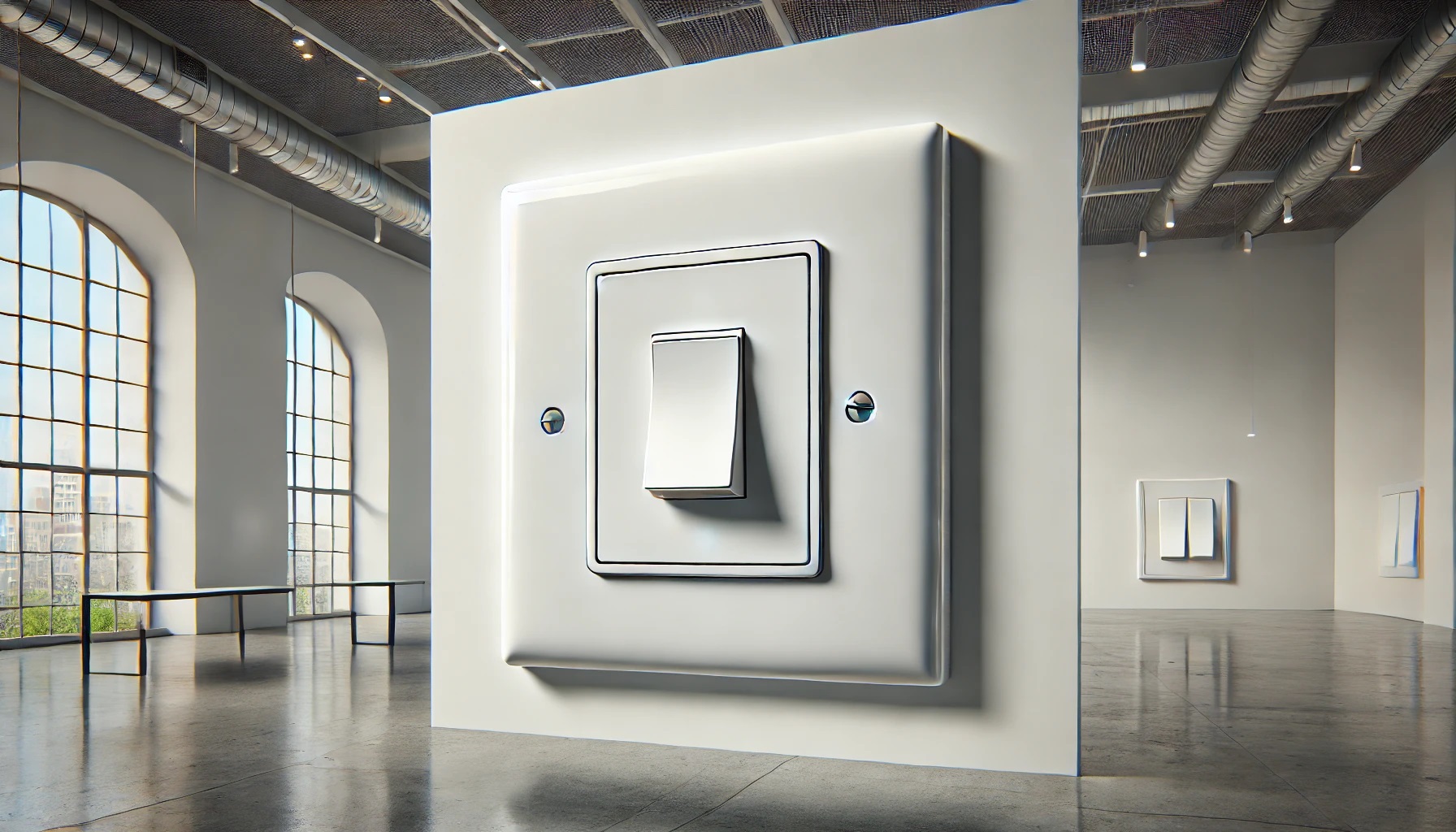

- A simple wall-plate profile can create a bold activation symbol with very little visual explanation.
- Human scale determines whether the switch serves as scenery, a photo object, or an interactive feature.
Build the display around the moment of change
A light switch is understood through both its shape and its action. Enlarging the plate and toggle makes the switching action clear from farther away. The object can remain static, suggest motion through its pose, or be explored as part of a controlled interactive experience.
The visual brief can start with a common residential switch, a specific industrial control, or a fully branded interpretation. The intended encounter matters just as much as the reference: a stage reveal has different needs from a museum exhibit or a conference photo moment. Clarifying that role early keeps the design focused on the feature visitors should notice first.
Ways a giant switch can engage an audience
The strongest concept aligns the familiar switching action with the message or behavior the event needs.
Graphic switch landmark
Use a clean plate, toggle, and contrasting background to create a bold symbol.
Launch-day trigger
Integrate the prop into a staged countdown or reveal concept, with any functional behavior defined during technical planning.
Branded control surface
Apply campaign colors, dimensional language, or a custom plate shape while preserving the basic switch cue.
Photo-scale object
Position the toggle and plate so a guest can stand beside the object and communicate its exaggerated size in one frame.
Useful wherever an idea needs to feel activated
A switch can connect a physical object to technology, energy, transformation, or a new beginning.
Technology launches
Create a focal point for unveiling a feature, platform, or new operating mode.
Energy and utility programs
Give efficiency, conservation, electrification, or power-management messages a familiar visual anchor.
Museums and conferences
Use the object to mark an interactive station, stage moment, or discussion about change and control.
Decide what visitors should see and do
Appearance and behavior should be planned together, even when the final object is intentionally static.
Switch style
Choose a toggle, rocker, lever, or custom control profile that supports the intended message.
Brand treatment
Use color, text, icons, and plate geometry to connect the prop with the surrounding campaign.
Audience relationship
Plan the height, orientation, and access around viewing, posing, or a defined interaction rather than leaving that role ambiguous.
Begin with the action the switch represents
A short description of the reveal, message, or visitor behavior can be more useful than final dimensions at the start.
Explain what should appear to happen when the audience encounters the switch.
Provide a switch style, brand visual, sketch, or stage rendering.
Share the wall, floor, stage, or exhibit context and the expected viewing distance.
What may shape the quote
Scale, switch geometry, graphics, support, finish, access requirements, and any requested interactive or illuminated behavior can affect pricing. Functional features require a clearer technical scope than a static display.
Useful context for an early conversation
Can the giant switch be physically interactive?
Possible interaction can be discussed, but the intended action, audience access, venue rules, and technical responsibilities need to be defined before a solution is proposed.
Can it look like a specific switch product?
Yes. Good reference views can guide the plate, toggle, proportions, and core product details.
Tell us what your giant switch should activate
Share the campaign idea, switch reference, setting, and whether the piece is visual, interactive, or still being explored. We can help define the next design conversation.