
Food Processing Plant Models
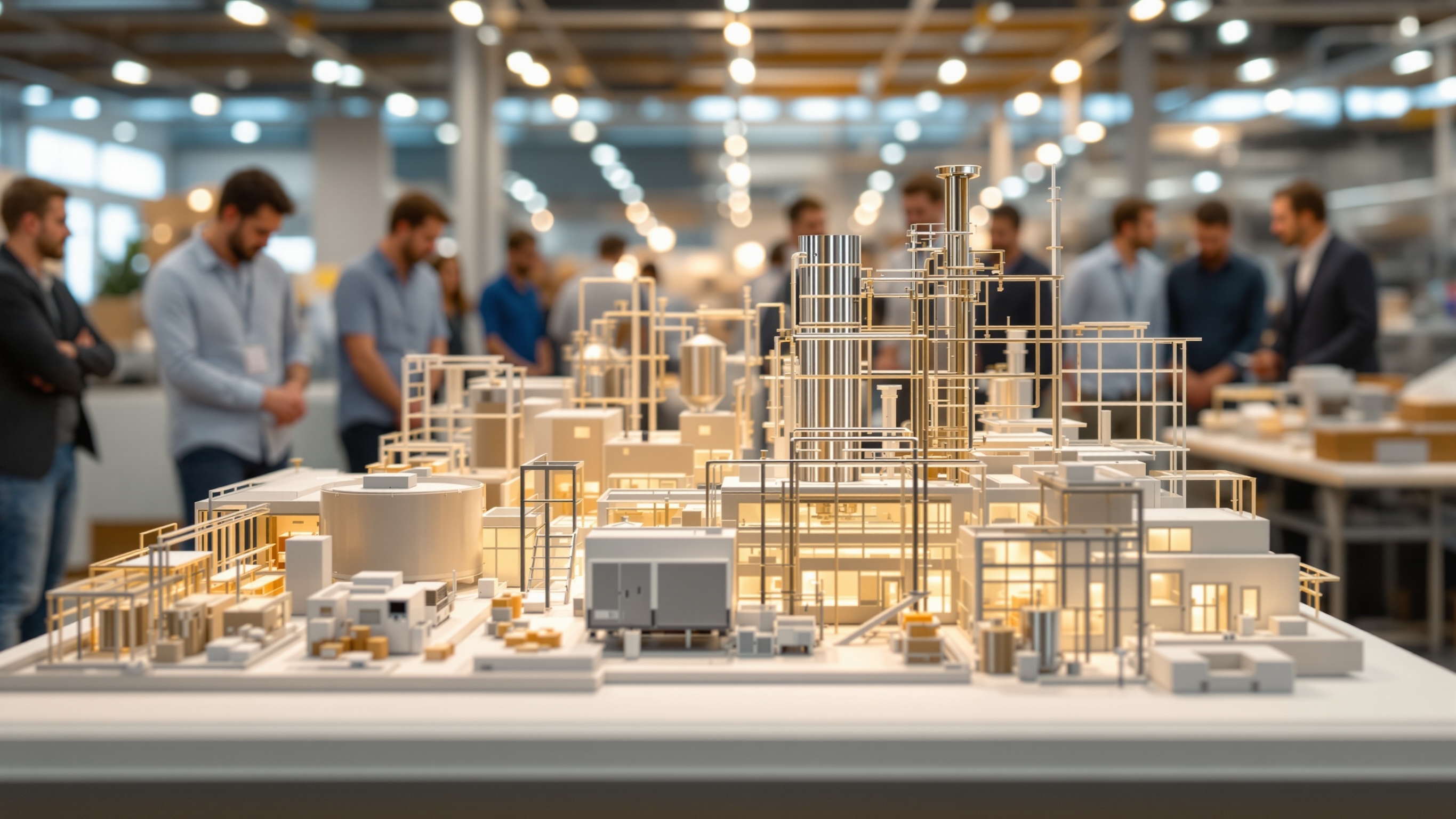
Physical facility models that present process zones, equipment placement, building relationships, and selected product or personnel routes
Food-processing facilities contain dense equipment, utilities, access, and controlled zones that can be difficult to explain from a flat plan. A physical model can organize approved layout information for training, presentation, or project review.
Technical Overview
Define the Facility and Process Boundary
The model may cover an entire plant, one production line, a packaging area, cold storage, utilities, or an expansion. Establishing that boundary keeps the display focused and sets the scale needed to show the relevant equipment and circulation.
Identify whether the audience needs an exterior overview, a roof-off interior, a sectional view, or removable levels. The physical format should follow the presentation task instead of exposing every room and machine simply because they exist in the files.
Use Approved Process and Layout Information
Current plans, equipment layouts, process diagrams, elevations, photographs, room schedules, and an approved terminology list form the model basis. The source package should identify existing, proposed, relocated, and out-of-scope systems.
A physical model can display process relationships but does not verify sanitary design, food safety, code compliance, capacity, or equipment performance. Those judgments remain with the qualified teams and current documents supplied for the facility.
Represent Equipment and Zones Clearly
Major vessels, conveyors, processing machines, packaging lines, storage, docks, and support equipment can be modeled at a level appropriate to the scale. Repeated or highly complex machinery may be simplified while preserving footprints and interfaces that matter to the explanation.
Color can distinguish raw material, processing, packaging, finished goods, utilities, personnel, or sanitation zones when those categories are approved for the display. A legend should explain the scheme and prevent presentation colors from being mistaken for actual finishes.
Show Flow and Separation With Care
Arrows, removable overlays, or illuminated paths can present selected product, packaging, waste, vehicle, or personnel routes. Showing those paths can support discussion, but it does not establish that the layout meets a regulation or prevents contamination.
A staged presentation can separate several route types so the model remains readable. If the project is confidential, the team should also identify which process details, labels, or equipment geometry may appear in a public or traveling display.
Design for Review and Future Changes
Removable roofs, levels, equipment groups, or phase overlays can support discussion of an expansion or alternate arrangement. Every configuration should have a documented location so the model cannot accidentally present a mixed or obsolete option.
If the model will remain in a plant, consider enclosure, cleanability of the case exterior, display location, handling access, and how revised labels or components may be replaced. Those are display requirements, not assertions about production-area suitability.
Prepare the Food-Plant Model Brief
Provide the approved facility boundary, plans and process references, revision date, required equipment, zones and routes, labels, scale or finished size, removable features, confidentiality limits, display conditions, review team, and delivery schedule.
WhiteClouds can translate that controlled information into a physical plant model that supports clear facility communication while preserving the distinction between representation and technical validation.
Plan a food-processing facility model
Review custom industrial model capabilities and examples of physical plant and equipment displays.
Tell us what your model needs to communicate
Share the intended audience, approximate size, level of detail, available source files, and project timeline.