
Designing High-Impact Topographic Maps for Checkout Counters and In-Store Displays
Compact and mid-scale raised-relief maps designed for counters, fixtures, point-of-sale areas, and focused in-store interpretation
A map near a checkout or product display competes with merchandise, signs, and customer movement at close range. Geographic focus, relief, labels, enclosure, and placement must be edited for a smaller footprint and a short viewing window.
Technical Overview
Match the Map to the Fixture
Begin with the usable counter, wall, endcap, or display dimensions and the space needed for products, payment equipment, doors, drawers, or staff access. The map should be sized as part of the fixture rather than treated as an object that will simply fit somewhere nearby.
Orientation matters in a compact installation. A horizontal tabletop map supports close overhead viewing, while a vertical or angled map can remain visible when the counter surface must stay clear. Each format changes label orientation and relief visibility.
Narrow the Geographic Story
A small retail map cannot carry the same amount of terrain and labeling as a large wall installation. Select the geographic boundary around the single route system, destination group, service area, or landscape relationship the display needs to explain.
Prioritize a short list of labels and symbols, then test them at final physical size. Removing secondary information often produces a more useful map than shrinking every place name, contour, and legend into the available area.
Shape Relief for Close Viewing
Close-range viewing makes surface transitions and small landforms visible, but a limited footprint can compress elevation change. Vertical exaggeration may help selected features read, provided it is documented and does not imply a literal slope relationship.
The fabrication approach should preserve the terrain required by the brief while keeping delicate ridges, thin boundaries, and raised overlays practical for customer access. Edges and transitions should also suit the fixture and any protective enclosure.
Decide How Customers Will Use the Map
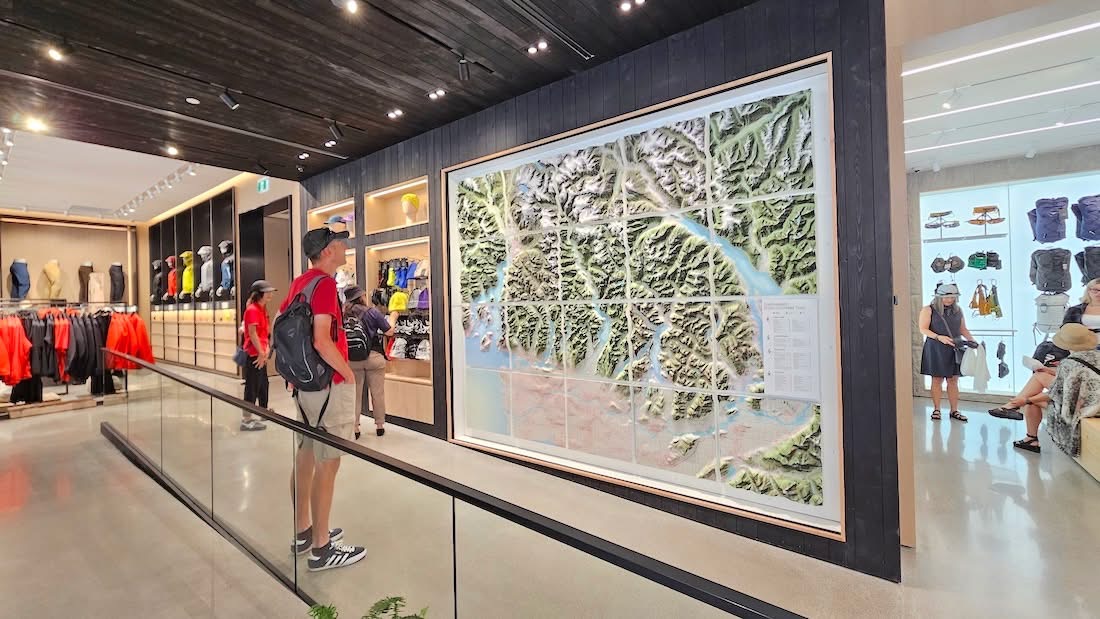
A customer may study the terrain, locate a destination, follow a highlighted route, or connect the map with nearby products. That intended action determines where the map is placed, how long the content can be, and whether labels, buttons, or lighting are useful.
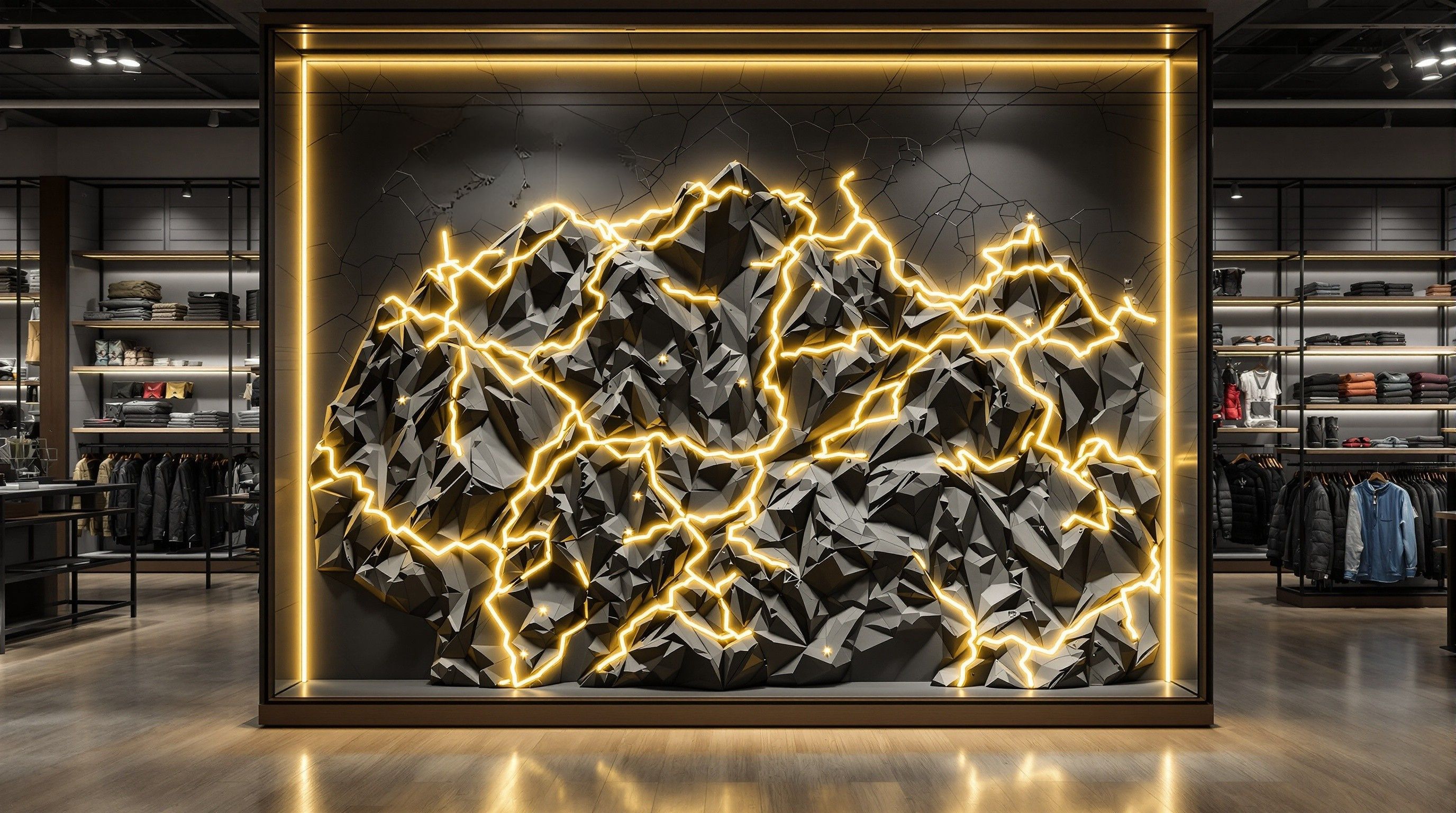
The documented Arc'teryx Vancouver installation shows a larger interactive wall-map approach with illuminated hiking routes and controls. A counter display can borrow the principle of focused route information without reproducing that project's size or exact interaction system.
Protect Access, Power, and Service Areas
Publicly accessible maps should be reviewed for exposed edges, touch points, cleanability, and nearby merchandise or equipment. A cover, frame, recessed installation, or restricted reach may be appropriate depending on the materials and expected contact.
If the map includes lighting or controls, identify power, cable routes, switch placement, ventilation if required by the selected hardware, and access for service. The fixture design should not trap components behind a finished map with no maintenance path.
Prepare the In-Store Display Brief
Provide fixture drawings or field dimensions, geographic extent, required data, labels, color references, viewing angle, customer access, interaction goals, power, protection, installation responsibility, and the opening or campaign date.
WhiteClouds can turn those inputs into a focused topographic display whose terrain and information remain readable within the real constraints of a counter or in-store fixture.
Develop a focused in-store topographic display
Review custom topographical model capabilities and examples of physical raised-relief maps.
Tell us what your model needs to communicate
Share the intended audience, approximate size, level of detail, available source files, and project timeline.