
Giant Smartphone Props for Technology Displays
The phone may be oriented vertically or horizontally, with the screen area sized for approved interface artwork and the intended viewing distance. WhiteClouds can begin with an approved device reference, screen graphic, brand palette, or early campaign idea. The screen, edge profile, and camera area can carry the device identity, while scale turns a familiar handheld product into an event landmark.
Discuss a Giant Phone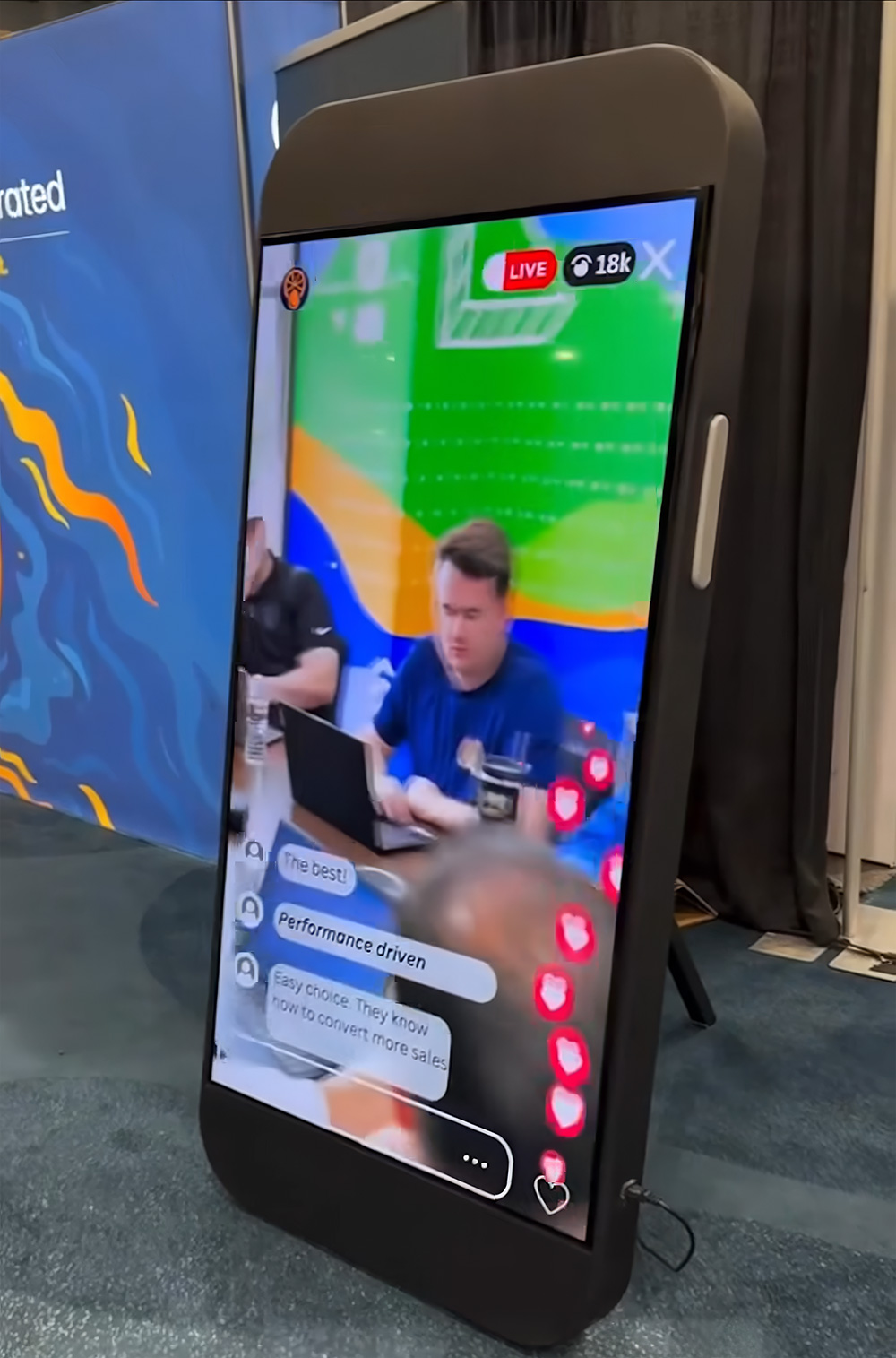
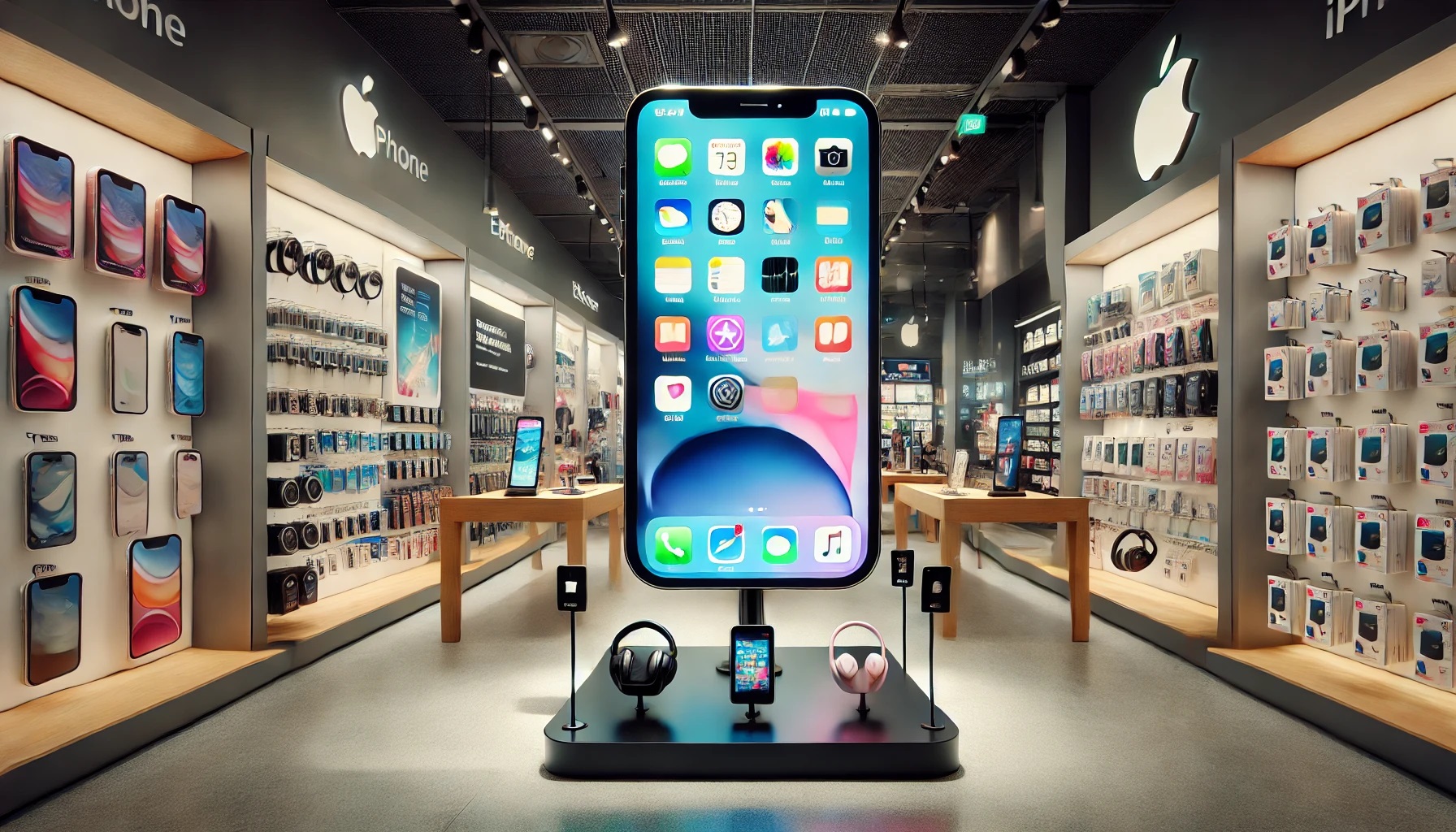
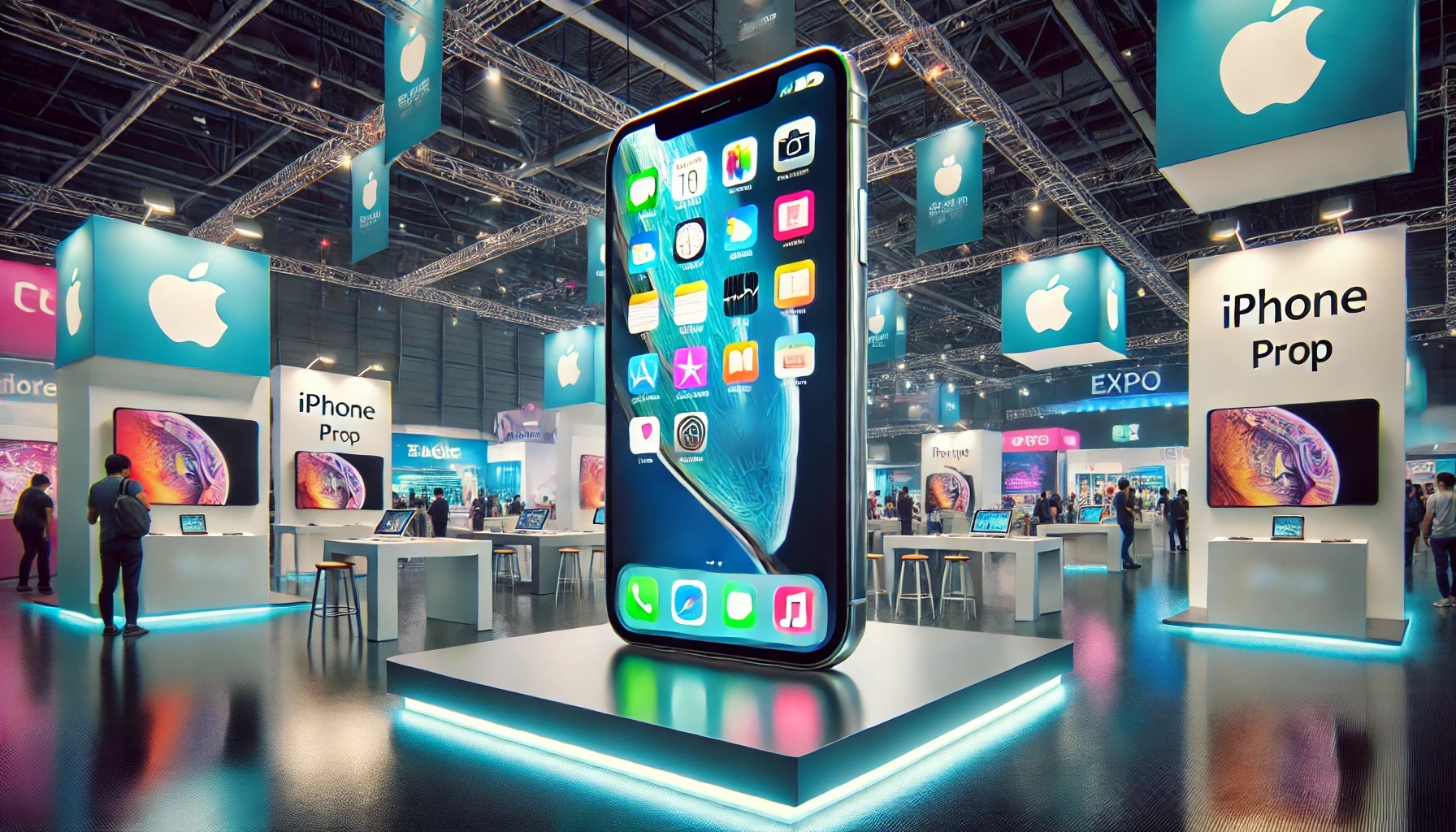
- WhiteClouds fabricated this commissioned giant smartphone display with a working screen for a trade-show setting.
- A large screen can carry approved app or campaign graphics while the outer device profile stays clear.
- Edge shape, camera placement, and orientation can make the device feel product-led without adding unnecessary detail.
Give a digital campaign a physical center
Smartphones are compact portals to apps, content, commerce, and communication. Enlarging the device creates a broad visual field for an interface or campaign while preserving the thin rectangular profile people recognize. WhiteClouds has fabricated a commissioned giant smartphone display with a working screen, demonstrating how the familiar device form can become a functional event centerpiece.
Any product-specific treatment should be based on client-supplied, approved device references and interface artwork. A display can instead use a more general smartphone profile when the campaign does not require one manufacturer's trade dress. A general smartphone profile keeps the focus on the campaign rather than a particular device manufacturer.
Choose a product replica or a more general phone display
The degree of device specificity should match the campaign approvals and its actual need for a close product match.
Approved device replica
Translate a supplied phone profile, camera layout, color, and screen treatment when the client controls the relevant rights.
Generic smartphone icon
Use a clean contemporary device silhouette when the campaign needs a phone category cue rather than one brand's trade dress.
App-screen landmark
Make an approved interface, launch visual, or content frame the dominant feature for a technology event.
Photo-scale device
Compose the phone beside guests or presenters so the screen and exaggerated size remain visible together.
Relevant for apps, retail, communications, and product events
The smartphone form can connect a digital experience with an in-person audience.
App and platform launches
Present a hero screen, feature, or campaign visual within a device-shaped physical display.
Retail and carrier events
Create a category marker for demonstrations, promotions, training programs, or store installations.
Technology exhibits
Interpret mobile communication, interface history, creator tools, or digital behavior through a large familiar object.
Balance screen content with the physical profile
The design can be product-specific only when reference and rights are clear; otherwise a generic phone treatment may be the stronger route.
Screen artwork
Use client-supplied and approved interface, product, video-still, or campaign graphics sized for the viewing distance.
Edge and camera cues
Build only the physical features needed to identify the intended device category.
Orientation and support
Choose portrait, landscape, angled, freestanding, wall-based, or staged presentation around the venue.
Begin with the device, screen, and event purpose
Those inputs separate essential device cues from unnecessary brand-sensitive detail.
State whether the display follows a specific approved product or uses a general smartphone form.
Provide the interface, app view, campaign art, or message that should dominate the display.
Explain the launch, booth, store, exhibit, stage, or photo setting and the desired orientation.
What may shape the quote
Scale, device-detail accuracy, screen graphics, finish, support, orientation, quantity, and any separately scoped display technology can influence pricing. Static visual content and active screens are different project scopes.
Useful context for an early conversation
Can the prop resemble an iPhone?
A client-supplied, rights-cleared reference may guide a specific product replica, while a general smartphone profile supports brand-neutral concepts.
Can the screen show a real app interface?
Approved artwork can be incorporated as a static visual treatment. Any functional display or changing content requires a separate technical discussion.
Share the phone and screen experience you want to enlarge
Send the approved device reference, interface artwork, venue, and campaign purpose.